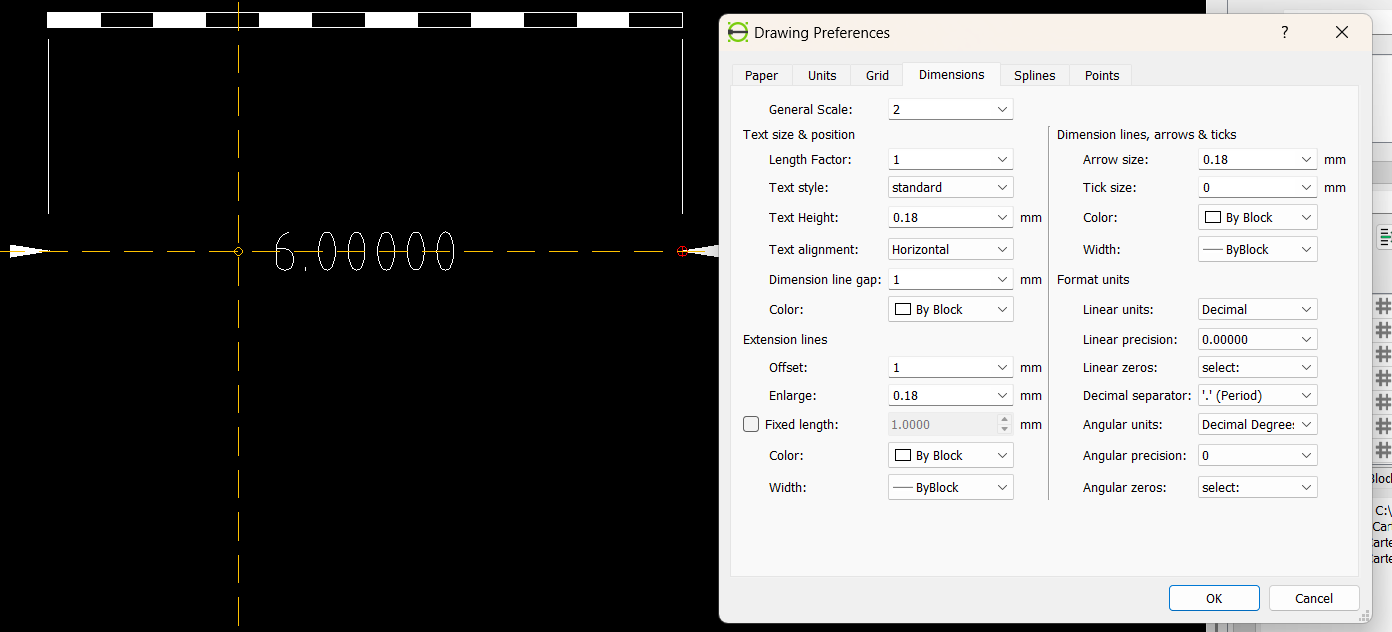
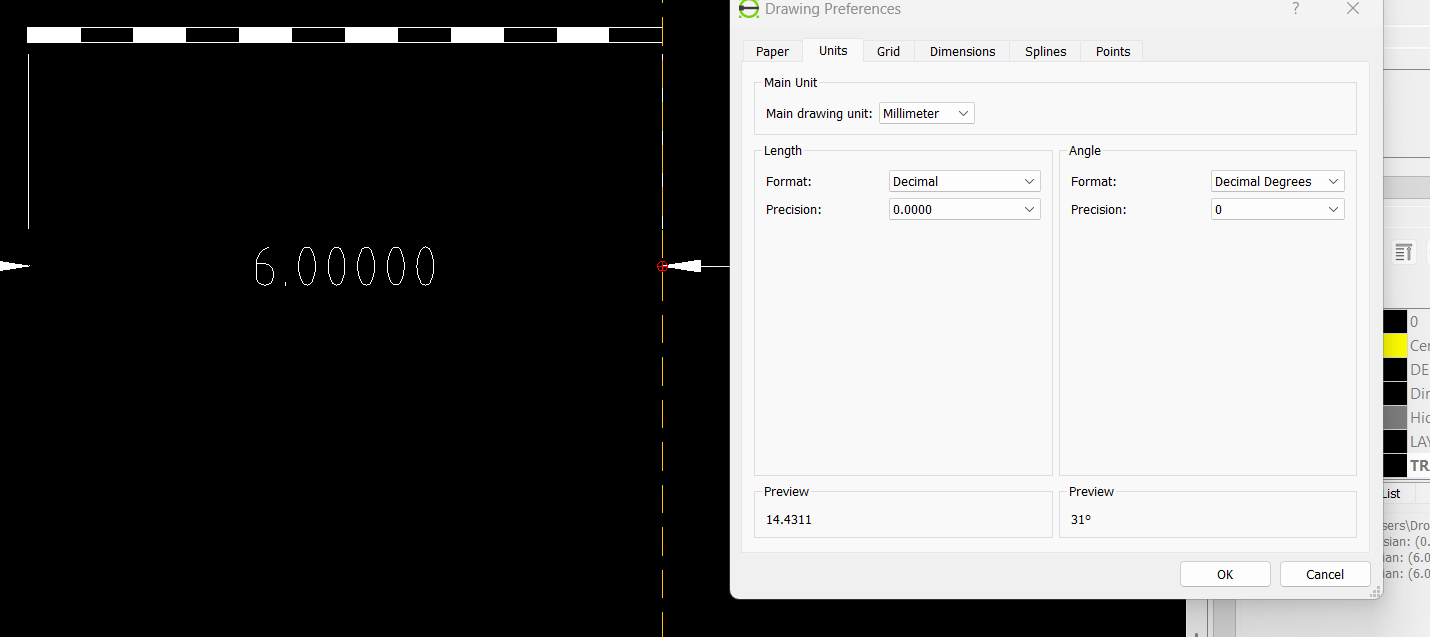
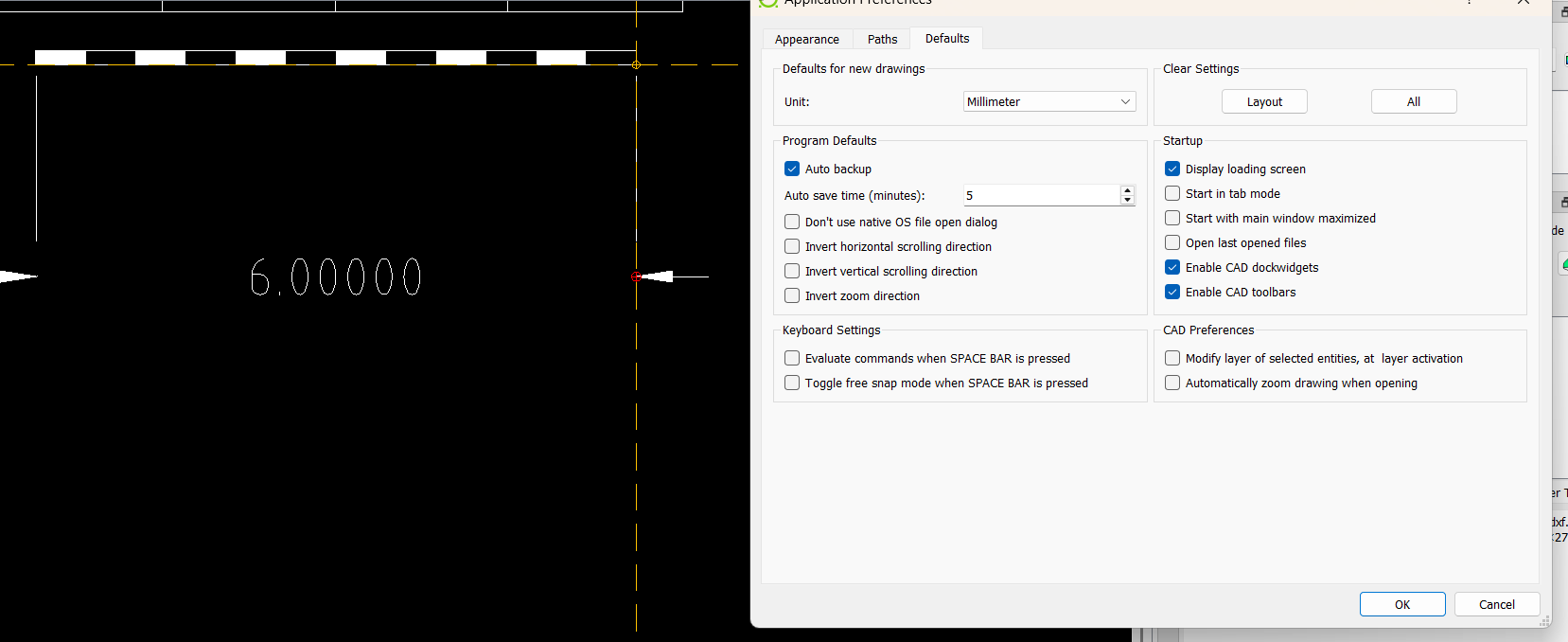
I have file show me Dimension in Inches, I want to see it in millimeters, what am I doing wrong,
I want to keep the same scale, which mean 6 inch will show me 152.4 mm
When you have a drawing that has been designed in inches, and want to change it into millimeters, LibreCAD does not automatically recalculate the dimensions. You have to scale the whole drawing by the factor of x 25.4 manually.
The 6 inches shown in your drawing example then will be 152.4 mm. Isn't this what you want?
Alternatively you could change the Length Factor to 25.4. This only affects the reading in the dimension, but the true lengths in the drawing is not changed. If you measure something with the Measure tool you get the inches value again.