Is it possible to draw two overlapping diagonal lines of different colors without the colors blending together?

Previous Topic Next Topic
 
classic Classic list List threaded Threaded
6 messages Options
Reply | Threaded
Open this post in threaded view
|

Is it possible to draw two overlapping diagonal lines of different colors without the colors blending together?

Decoril
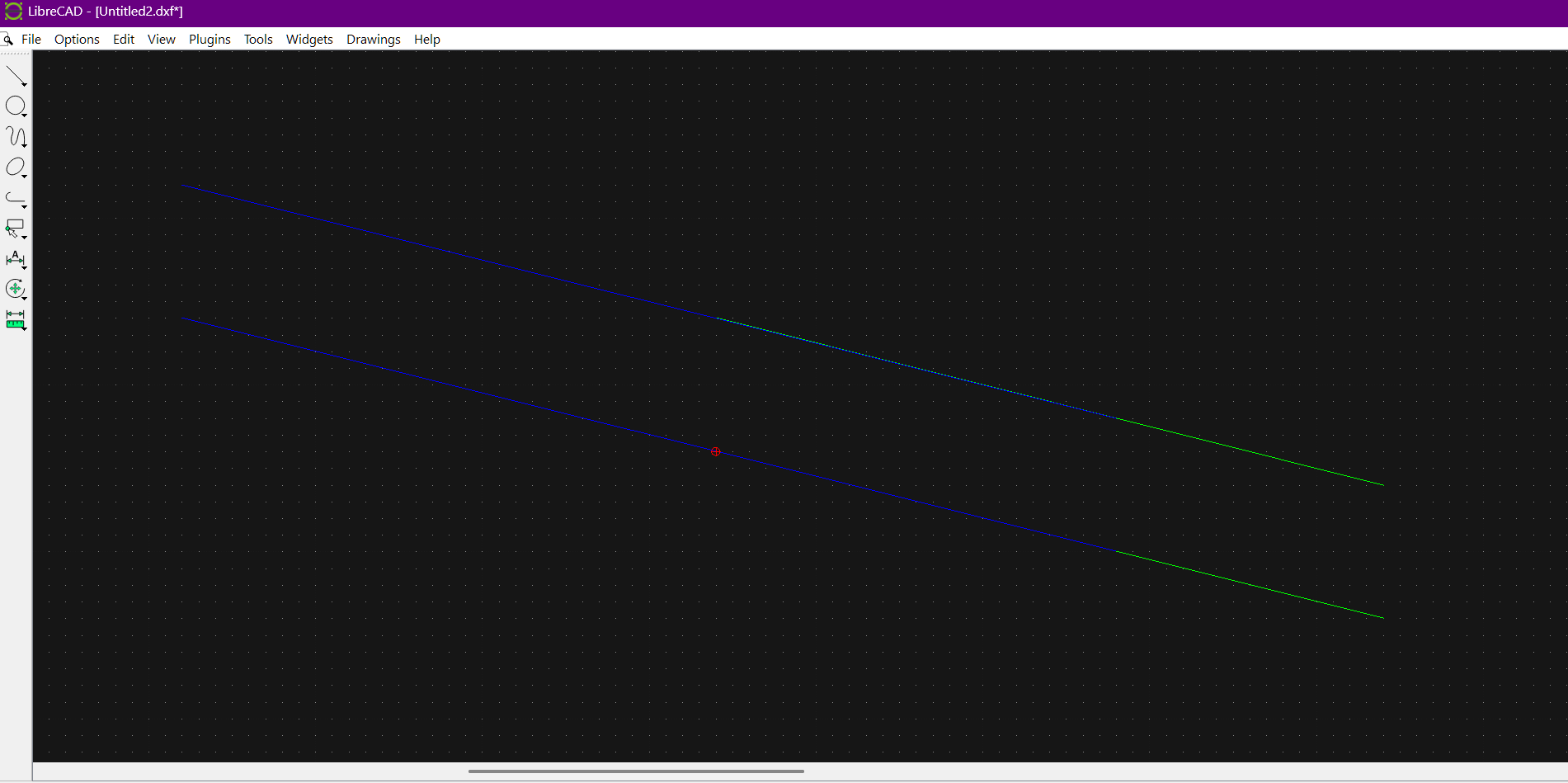
Hello, is it possible to draw two overlapping lines at an angle like in the image, so that the colors of the lines don't blend together as they do in the first example, but rather overlap, with the line superimposed on the other appearing as in the example below, where instead of overlapping them, I've simply brought them together so they touch at the ends to simulate the effect I'm trying to achieve, so that the line drawn at the same angle on top of the previous one maintains its original color without blending?

Thanks!

Reply | Threaded
Open this post in threaded view
|

Re: Is it possible to draw two overlapping diagonal lines of different colors without the colors blending together?

sand1024
well, are you sure that your two lines that overlaps with color blending actually lies on the same ray and have the same width?

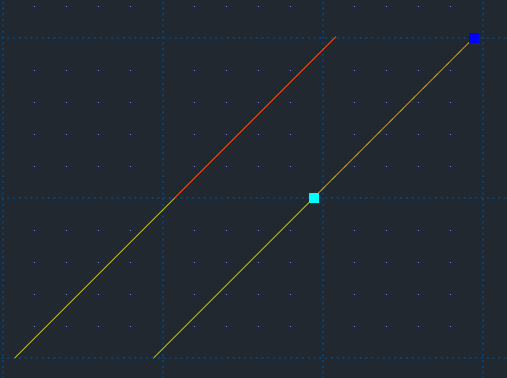
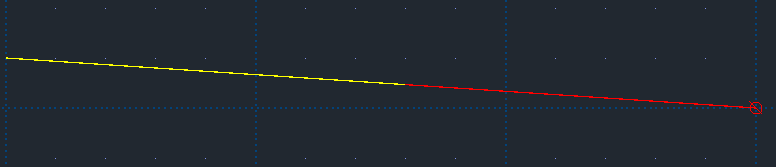
I've made just a quick test (on 2.2.2-alpha version)- and overlapped lines are rendered as expected - the line on top covers the line below without colors blending.  

The following image illustrates lines overlapping in my environment (red line is over yellow line):


Which version of LC do you use and under which operating system?  Also, is antialiasing is enabled or disabled?
Reply | Threaded
Open this post in threaded view
|

Re: Is it possible to draw two overlapping diagonal lines of different colors without the colors blending together?

Decoril
This post was updated on .
Yes Im sure, the problem does not seem to appear at diagonals of nearly 45ยบ but if you try to do this at an agle near to the agle of the example image then is where the colours merge.
The angle is exactly 4 to 1 grid spaces and the lines perfectly overlap but they merge colours.
thank you a lot.


As you may see, the effect is evident even at lines of greater widths, just look at it with this angle with lines of blue over green colour  and it is merging to Cyan at the sides of the lines of even greater widths than 0mm.
Reply | Threaded
Open this post in threaded view
|

Re: Is it possible to draw two overlapping diagonal lines of different colors without the colors blending together?

sand1024
hm... still can't reproduce this, sorry.

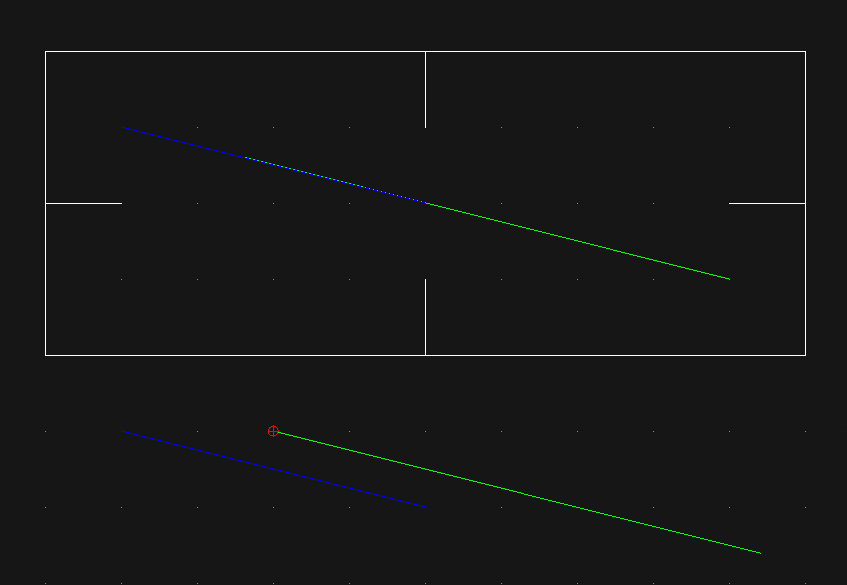
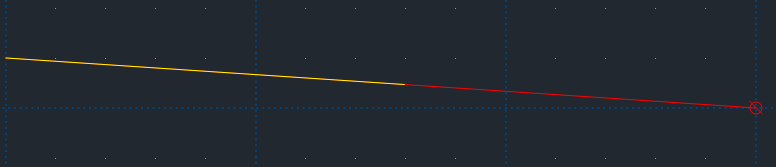
Here is overlapping in my environment - with antialiasing enabled and disabled.


and


Which version of LC do you use?
Which operating system?
Reply | Threaded
Open this post in threaded view
|

Re: Is it possible to draw two overlapping diagonal lines of different colors without the colors blending together?

Decoril
This post was updated on .
Have you tryed just Blue over Green  One dot of the grid down, Four dots of the Grid to the right or the left overlapping lines.. i am pretty sure there is this happening on a lot more angles bur yust try this in this way and this order then you may see what I am menaing, please for sure try it and the send any result you had i really am here to unmask this mistery, really...
Reply | Threaded
Open this post in threaded view
|

Re: Is it possible to draw two overlapping diagonal lines of different colors without the colors blending together?

Decoril
This post was updated on .
LibreCAD 2.2.1.5 Stable Release  has the same problem going to try that 2 2 2alpha
Yes, this version is correct, the merging is gone, Thank you a lot!