No languages except English

Previous Topic Next Topic
 
classic Classic list List threaded Threaded
5 messages Options
smk
Reply | Threaded
Open this post in threaded view
|

No languages except English

smk
Hi.
I just downloaded the latest release for windows from github releases page.
Version: v2.2.1.3-2-g1598766fb
Compiler: Microsoft Visual C++
Compiled on: Jan 11 2026
Qt Version: 5.15.2
Boost Version: 1.87.0
System: Windows 10 Version 2009

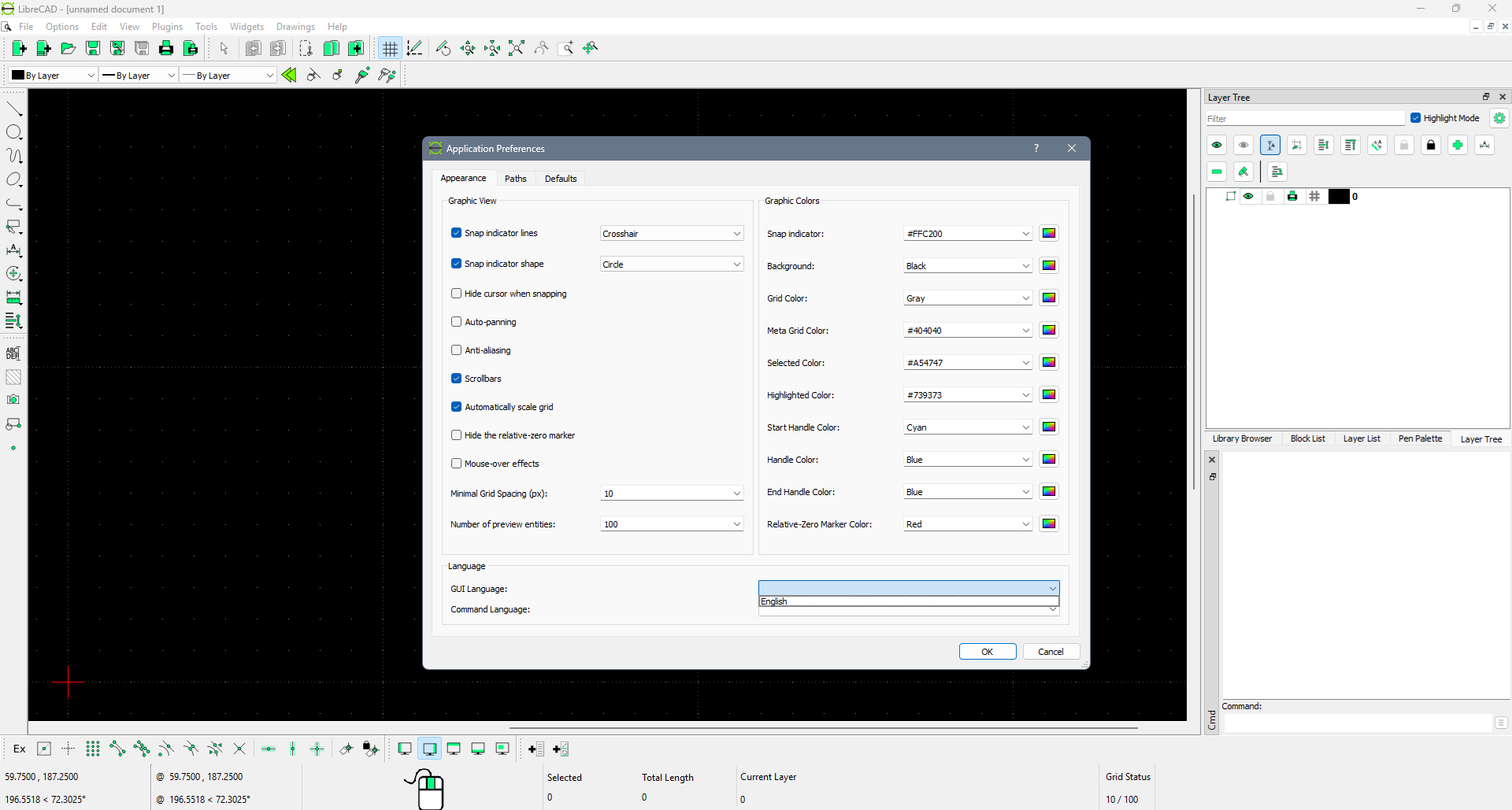
But there are no languages in settings except english:


Tryed on two PC's with windows 10 and 11.
How to fix it?
Reply | Threaded
Open this post in threaded view
|

Re: No languages except English

sand1024
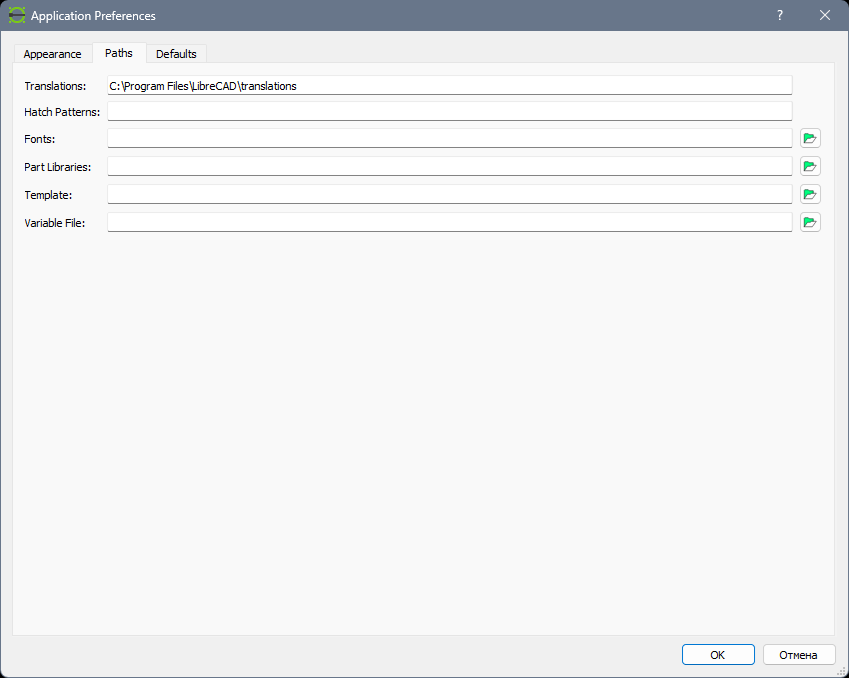
Hm.. I think something mya be wrong with paths settings.

Please check Paths tab - there should be an input that allows you to specify a path to the folder with translations.

Translations are stored in ".qm" files, usually they are in "/translations" sub-folder of LibreCAD installation folder.  So if everything fine - there should be several .qm files.

Try to change the path to translation and restart LibreCAD
smk
Reply | Threaded
Open this post in threaded view
|

Re: No languages except English

smk
I've changed the path, it was empty.

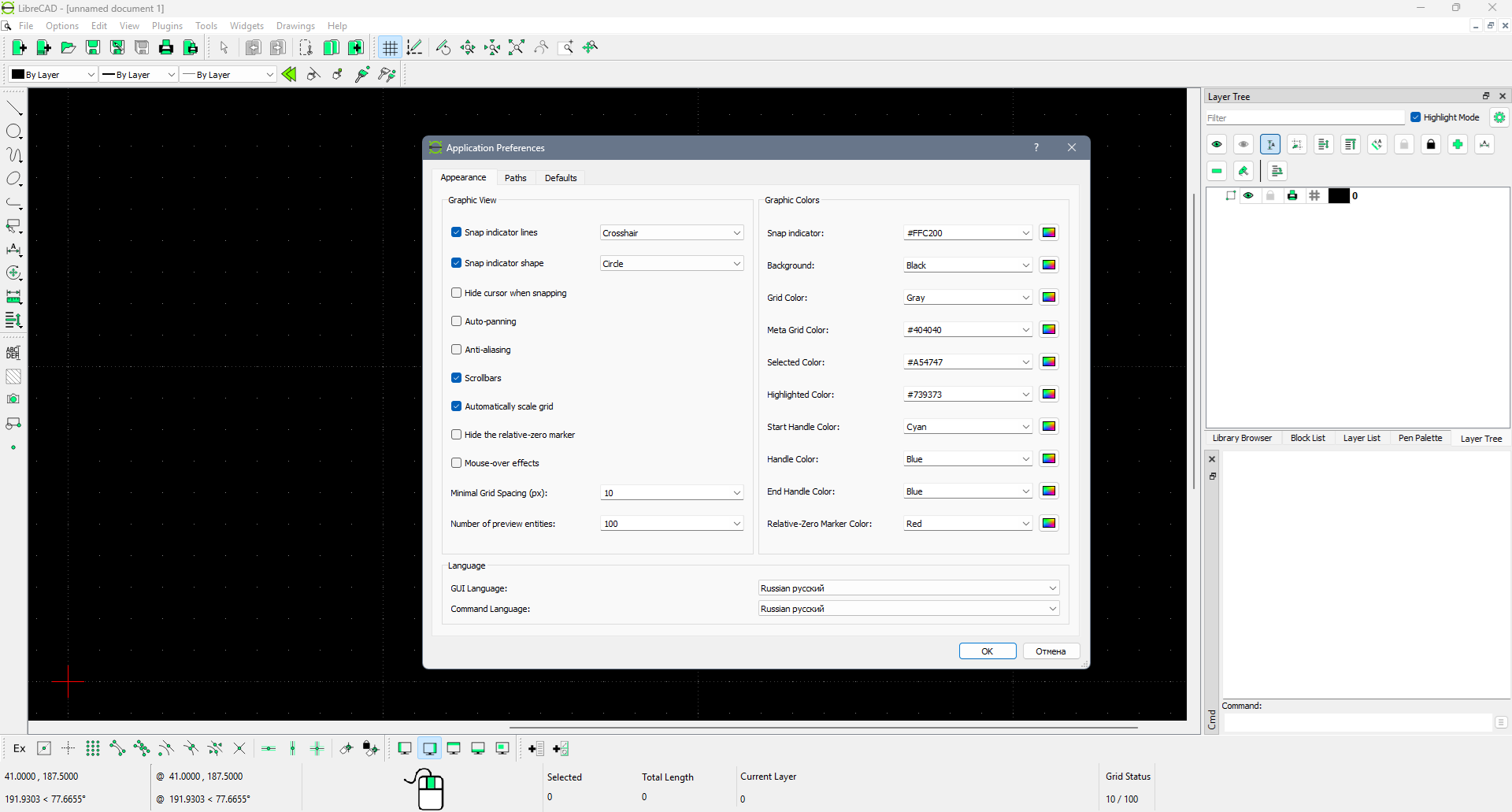
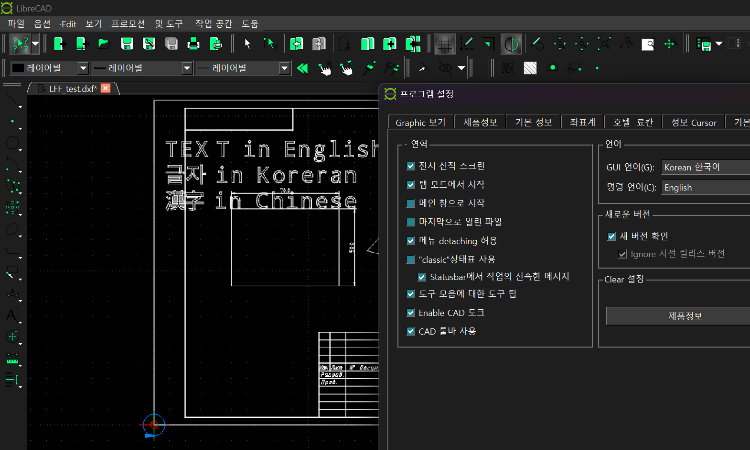
Now languages appeared, but changing the laguages not working, everything still in English (after restart):
Reply | Threaded
Open this post in threaded view
|

Re: No languages except English

sand1024
if I'm correct, restart is required after language change. Will it help?

Please also note that for some languages translations may be missed. If you're looking for russian, probably it is worth also check 2.2.2-alpha (https://github.com/LibreCAD/LibreCAD/releases/tag/2.2.2_alpha-latest)  - transalation there might be more relevant
smk
Reply | Threaded
Open this post in threaded view
|

Re: No languages except English

smk
Yes, screenshot is after restart.
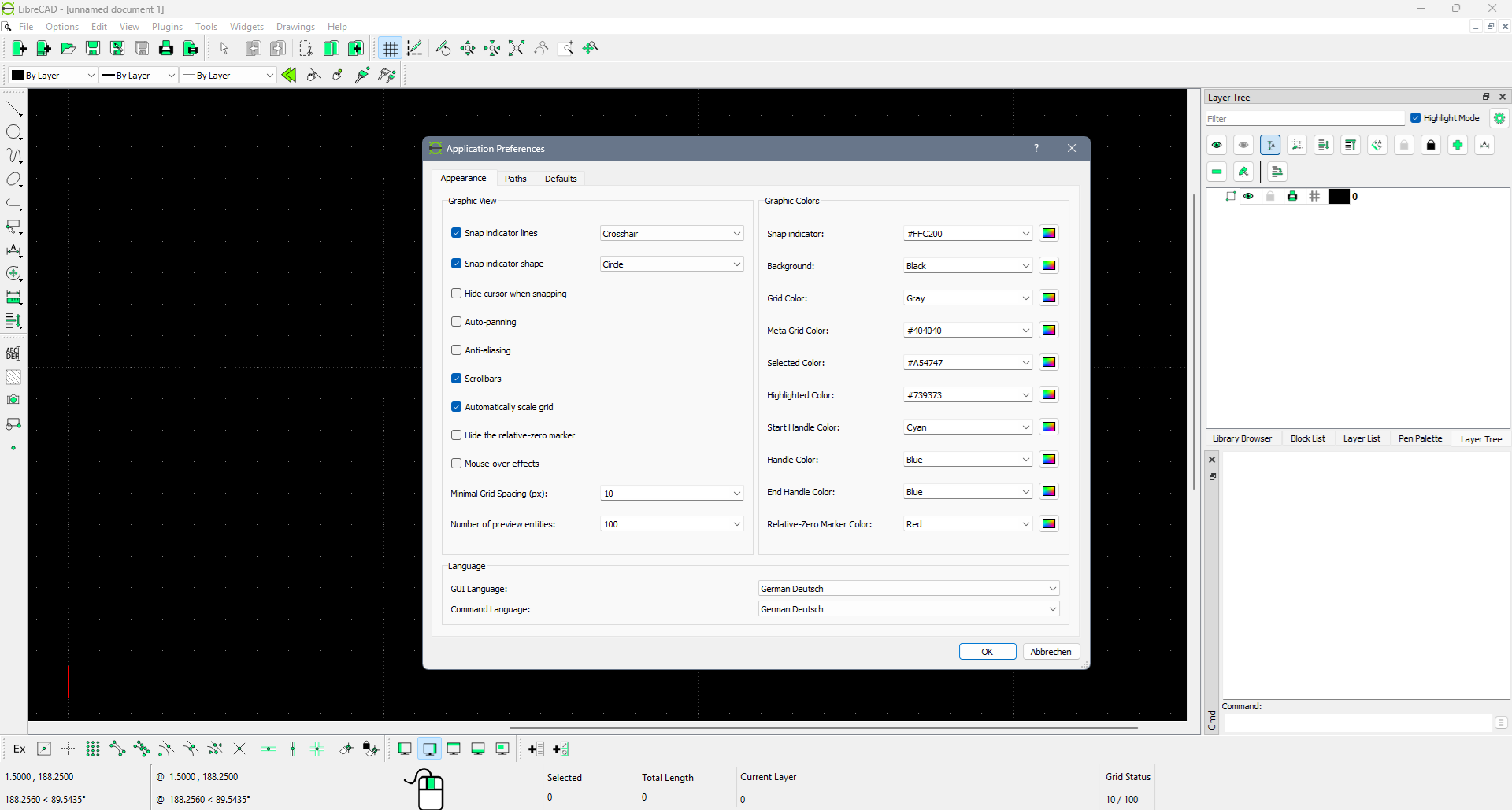
Tryed German for test, same picture, only "cancel" button translated.
Or what popular language should I try to figure out that interface is translating correctly?