Thank you to you and all the developers.
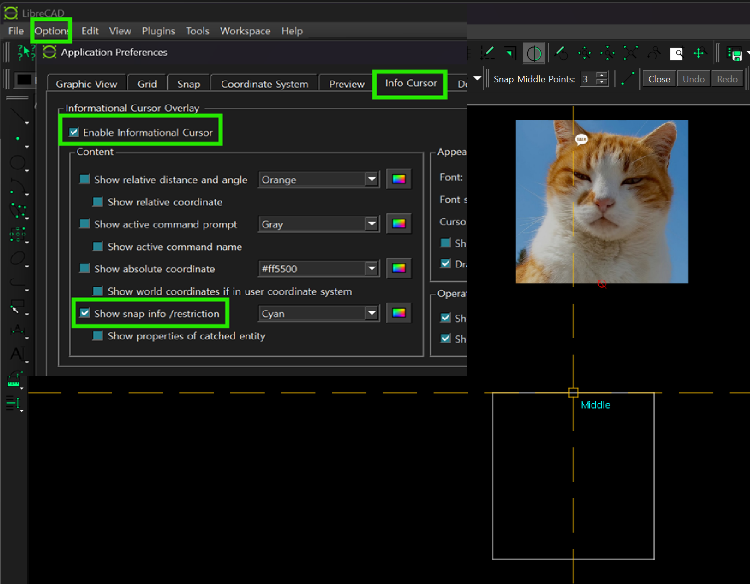
I watched your video and followed it exactly, but in my case I was only able to adjust the icon size.
On Windows 11, it seems that the LibreCAD UI background color changes depending on whether the system theme is Light or Dark, but the icon colors cannot be changed.
While working in maximized window mode, the application suddenly reacts as if it expands to a screen larger than my laptop display. I am not certain, but it seems to “remember” the larger monitor that had previously been connected via HDMI. When I reconnect the larger monitor, this symptom disappears. However, it is still impossible to resize the window by dragging one of its edges with the mouse, and the window also cannot snap to half the monitor size when dragged to the screen edges.
I am attaching a video regarding the window resizing issue.
WindowResizingProblem.mov- - - - - - - - -
P.S.
My question about the 2.2.2 alpha version issue seems to be outside the topic of this post, “Snapping indicators.”


 Locked